E-commerce website
Integrate Woocommerce and WordPress!
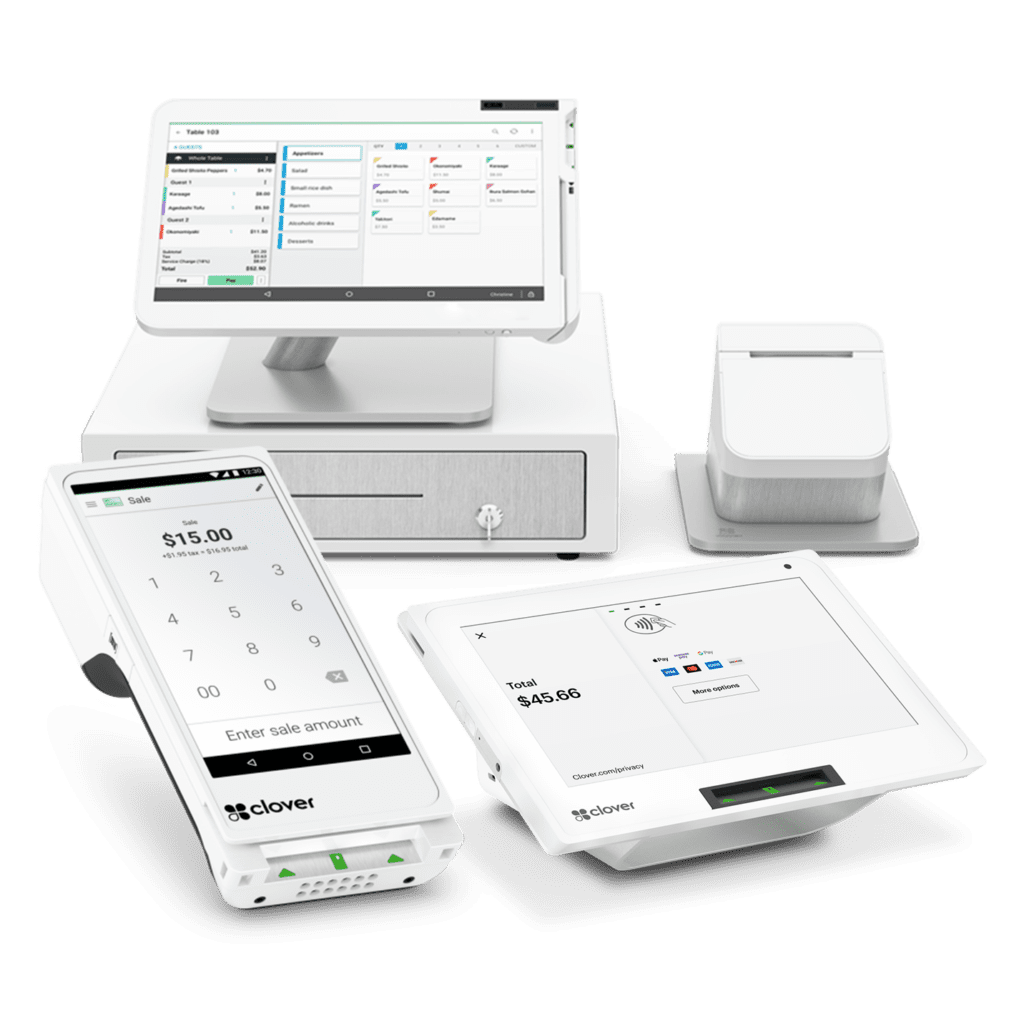
WooCommerce, the essential platform for online stores, offers advanced compatibility with Clover payment terminals. This integration allows merchants to synchronize their online and in-store sales, while benefiting from fast and secure transactions.

Accept customer payments on your WooCommerce online store
You’ve probably asked yourself this question: how do I synchronize my physical store with my online store? Between inventory management and payment methods, it’s not always easy to find your way around.
Fortunately, there’s a simple solution to unify everything: WeeConnect Pay, a plugin compatible with your WordPress online store.
Real-time inventory updates
When you make a sale, your inventory is updated instantly, whether the purchase is made online or in-store.
Centralized sales management
You automatically synchronize your online and in-store sales, which simplifies order tracking and reduces the risk of errors.
Seamless customer experience
Customers can benefit from flexible options, such as in-store pickup after an online purchase or payment directly on site using modern terminals.
Very competitive rates
Forget about 3% rates!
With WeeConnectPay, each transaction will cost you an average of 1.90% + 10 cents.
Time savings
You no longer need to manually manage each platform, allowing you to focus on growing your business.
Flexibility for customers
Your customers can pay using various options, such as credit cards, digital wallets, or contactless payments.
Who is this solution for?
- Small businesses: For stores that want to synchronize their online and in-store sales.
- Restaurants and cafés: Ideal for managing online and on-site orders with automatic inventory updates.
- Service companies: Perfect for offering flexible and secure payments, whether for reservations or online purchases.
- Multi-channel retailers: For those who operate both online and in-store and are looking for a centralized solution for their transactions.
Frequently asked questions about Woocommerce and Clover
The answer is yes! You can accept all credit cards on your WordPress site.
Yes, it is entirely possible to customize payment options with Clover and WooCommerce. You can:
- Enable or disable specific payment methods, such as contactless payments or digital wallets.
- Set parameters for promotions or discounts on certain payment methods.
- Adapt the user interface to reflect your brand by customizing the payment pages.
These options allow you to offer a tailored experience to your customers while meeting your business needs.
A 14-day trial is available on the WeeConnectPay website. Then the package is $29.99/month.
It’s so simple!
- Install and set up WooCommerce on WordPress
- Download WeeConnectPay to your Clover account. To do this, go to the Clover dashboard in the “More tools”.
- Install the WeeConnectPay plugin on your WordPress website
- Authenticate your website with WeeConnectPay
- Secure your Clover account with the fraud prevention tool in your Clover dashboard settings.
That’s it, you’re ready to make sales!
Publié sur Google
 Mélinda Desnoyers
Trustindex vérifie que la source originale de l'avis est Google.
Notre représentant Mehdi est réellement d'une grande aide. Disponible rapidement et il est très gentil et il a toujours une solution au bout des doigts.Publié sur Google Leeza BombardierJ'ai reçu un très bon service de Mehdi, qui est facilement accessible! Je vous le recommande fortement!Publié sur Google
 Martin MaheuJe dois partager mon expérience client dont j’ai eu droit avec monsieur Mehdi Charrier. Jamais je n’ai reçu un service client aussi parfait que l’expérience dont j’ai eu la chance de recevoir cette semaine. Je recommande à 100%Publié sur Google
 Jonathan PelletierUne équipe extraordinaire à l'écoute de vos besoins et qui vous supporte dans le démarrage du projet et durant l'installation des machines. Très simpatiques et professionnels! MErciPublié sur Google
 JoeyJe recommande ! , service personnalisé, reactif, concurentiel, competant, a lecoute, et j'en passe. MerciPublié sur Google
 Nicolas ScottiniTrès satisfait du service fourni par MCPaiement. Leur plateforme de paiement est rapide, facile à utiliser et très sécurisée. Leur équipe de support client est également très professionnelle et amicale, répondant rapidement à toutes mes questions et préoccupations. Je recommande vivement MCPaiement à tous ceux qui cherchent un moyen sûr et efficace de gérer leurs paiements en ligne. Merci MCPaiement pour votre excellent service!Publié sur Google
 Anne DelalandeMehdi nous a accompagné durant tout le processus de choix du POS et système de paiement et a été d'une grande aide à chaque étape. Il est toujours là pour les questions et prêt à aider au besoin. Je recommande ses services à 100%.Publié sur Google
 Computara ClientQuality of equipment and services, I recommend Clover product to your business.Publié sur Google
 Diane ParisCe fut un très bon service, très satisfaite
Talk to an expert and find the best Clover POS for your business!
Contact us to speak with an advisor about your needs. Don’t wait any longer and take advantage of a 90-day trial.